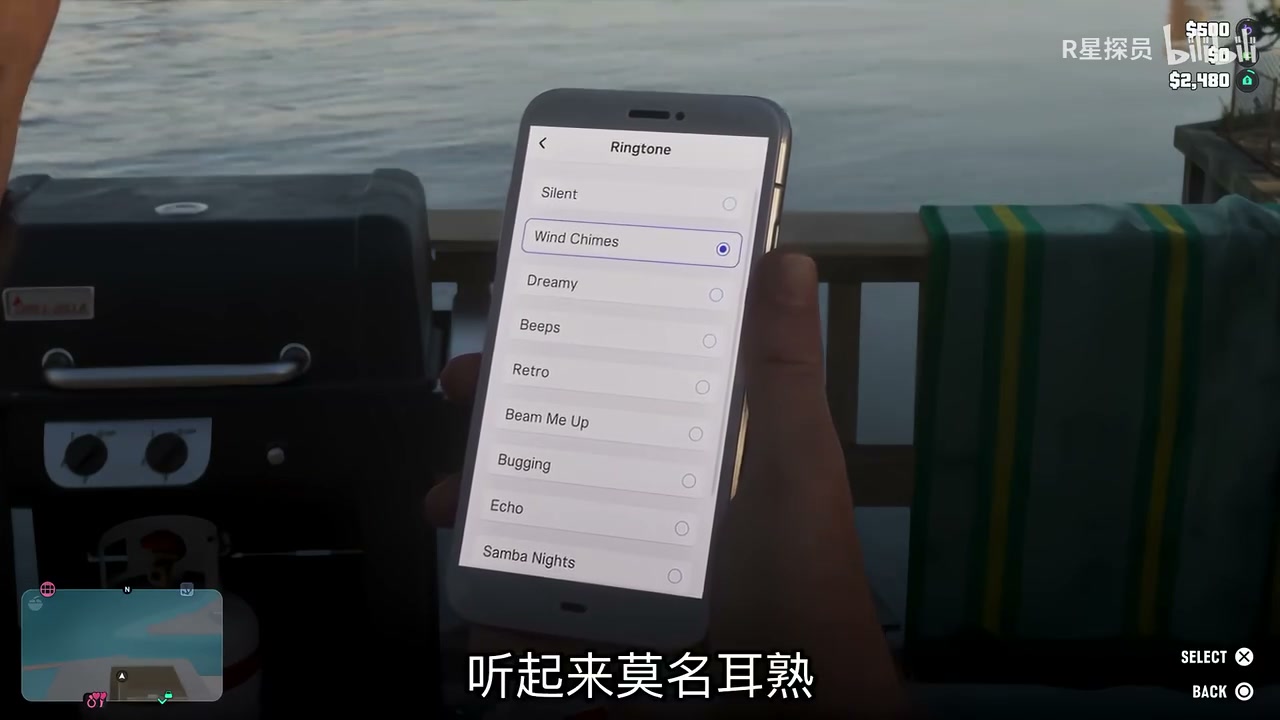
Set Michael's Wind-Chime Ringtone for Jason
There is no need to find a mission or drive between locations. Preview it in the phone settings to hear the familiar string of chimes associated with Michael in GTA V.
Find a route
- Open the phone settings and select Ringtone. If the phone interface is displayed in Chinese, look for the option meaning “Wind Chimes.”
- Select Wind Chimes and preview it. Keep it as your current ringtone, or switch back to your previous choice after listening.
Points of Interest at the Scene
A selected icon appears to the right of Wind Chimes, followed by the ringtone Michael used in GTA V.
Guide sources ZacCoxTV